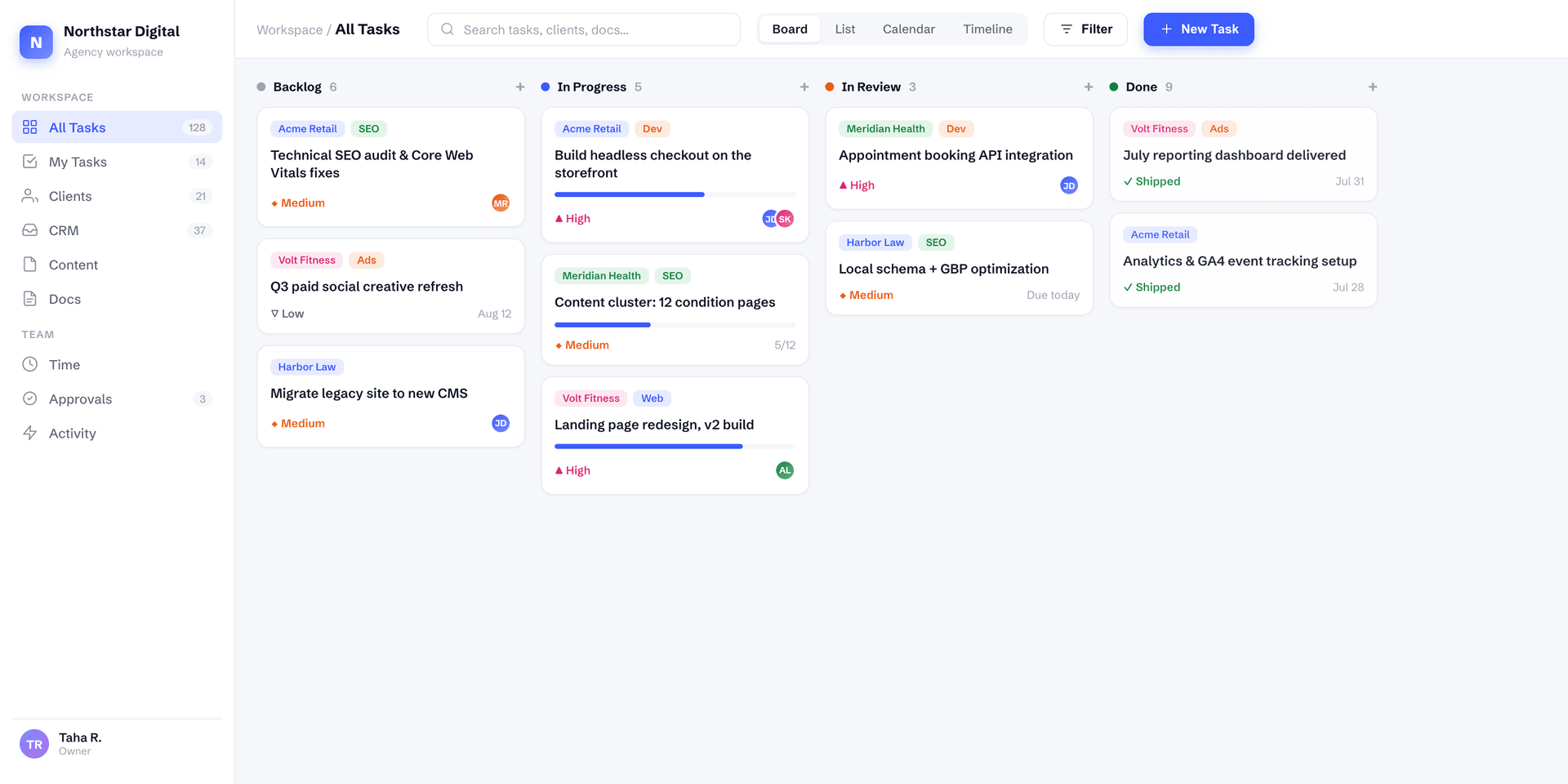

Twenty people on ClickUp Business, Slack Pro and Zoom Workplace Pro cost about $768 a month at list price on annual billing. Add file storage, time monitoring and client portals, and the bill keeps climbing with every hire.
The bigger cost is the gap between the tools. Nobody can answer "how is this client doing?" without opening four tabs. That gap is why agencies go looking for an operating system, and why a few of them build one.
TwoCore builds custom platforms, including the agency system described below. For many agencies, buying is the better answer, and this guide says when. Tool prices are from each vendor's pricing page, checked 25 November 2026.
TL;DR: An agency operating system puts clients, projects, time, files and billing on one set of records. Buy one if you run a standard project or retainer model. Connect your current tools if only one or two handoffs hurt. Build if your process is unusual, several subscriptions overlap, and someone will maintain the system.
What Is an Agency Operating System?
An agency operating system is the one place where an agency's clients, projects, tasks, time, files and billing share the same records. It can be a bought product, several tools connected together, or software built for one agency. The test is simple: when a client changes, does everything about that client change once?
It differs from a project management tool, which usually stops at tasks. An operating system also covers the client relationship and the money. The term also gets used for management frameworks, such as meeting rhythms and goals. This guide is about the software.
Should You Buy, Connect or Build?
Buy when your model is standard, connect when the problem is a few handoffs, and build when the way you work is the thing the tools cannot express. Most agencies should try the first two before the third.
| Buy one platform | Connect what you have | Build your own | |
|---|---|---|---|
| Best for | Standard project or retainer work | One or two painful handoffs | Unusual process, many overlapping tools |
| Time to start | Days to weeks | Days to weeks | Weeks to months |
| Cost shape | Per user, every month | Subscriptions plus upkeep | Build cost, hosting and upkeep |
| Fit | You adapt to the product | Unchanged, with fewer copies | Shaped to your process |
| Main risk | Paying for features you skip | Connections break quietly | Nobody maintains it |
| AI access | What the vendor offers | Depends on each tool | What you design and permit |
What Do the Off-the-Shelf Options Cost?
For 20 users on annual billing, ClickUp Business lists at $340 a month and monday.com's Pro work management plan at $380. Those are software prices only. Setup time, add-ons and the other tools you keep are extra.
| Tool | Listed plan, annual billing | 20 users per month |
|---|---|---|
| ClickUp | Business, $17 per user (regular price shown as $25) | $340 |
| monday.com | Work management Pro, $19 per seat | $380 |
| Slack | Pro, $7.25 per user | $145 |
| Zoom | Workplace Pro, $14.16 per user | $283.20 |
The opening figure adds ClickUp, Slack and Zoom: $340 + $145 + $283.20 = $768.20. We left Productive out of the table because the per-user figures and totals we saw on its page did not agree. Check it for your team size, since it is built for agencies and belongs on your shortlist.
When Is Buying the Better Choice?
Buying wins when your agency works the way the product expects. You get a tested system quickly, and the vendor looks after it. In 2019 Productive, which sells one, summed up the case as "minimal initial investment in a product that is already market tested" (Productive, 2019).
Buy if:
- You sell hours, projects or retainers in a standard way.
- You have not yet given one of these platforms a proper trial.
- Nobody would own a custom system after launch.
- Your process still changes every month.
That last one matters. Building around a process you have not settled on means paying to rebuild it.
When Does Building Your Own Make Sense?
Building makes sense when three things are true together: you pay for several tools that overlap, your way of working does not fit their fields and rules, and someone will maintain what you build. If one is missing, buy or connect instead.
Upkeep is the part people underestimate. Whatagraph, which sells reporting software, spoke with 87 marketing agencies about their reporting stacks. It concluded that building "isn't the hard or expensive part. Maintaining the connectors and dashboards is" (Whatagraph, 2026). Fourteen of the 87 had built happily or said they would rather build, and 11 were going hybrid. The article covers reporting rather than whole operating systems, and doesn't publish its method, so read it as a warning about upkeep and not as a benchmark.
Hybrid is often sensible. Keep accounting, payroll and ad platforms bought. Build the part that holds your own process together.
What Did One Agency Get From Building?
A 20-person IT agency replaced six paid tools with one platform we built, and reports saving roughly $1,500 a month in software. It had been using separate products for chat, calls, file storage, team monitoring, client portals and tasks.
Three decisions mattered most:
- One set of rules. Web, mobile, desktop and the browser extension all use the same core, so a rule changes once.
- The tools were absorbed one at a time. The team did not switch everything in a single weekend.
- AI can operate it. An MCP server lets an AI assistant create a task, update a project or pull a status report in plain language, inside the same permissions as everyone else.
MCP, the Model Context Protocol, is an open standard for connecting AI assistants to software. It matters here because an assistant is far more useful when client, task and time records live together.
The savings figure comes from the client and covers subscriptions. It does not subtract build, hosting or upkeep. Read the full Agency OS case study for screens and design choices.
How Do You Work Out Your Own Break-Even?
Divide the build cost by what you save each month after hosting and upkeep. Use your own invoices, not a vendor's estimate.
Break-even in months = build cost / (subscriptions you can cancel - monthly hosting and upkeep)
Here is an illustration, with made-up inputs. If a build costs $30,000, you can cancel $1,500 of subscriptions, and upkeep is $500, break-even is $30,000 / $1,000 = 30 months. Subscription savings alone can take years to pay for a build. If the time your team saves isn't worth something too, the numbers may not support it.
List the hours spent copying information between tools and value those separately. Be strict: count only subscriptions you will really cancel. For broader build cost ranges, see custom AI app vs off-the-shelf SaaS.
What Should You Do First?
Start with a list, not a tool. Write down every subscription, who uses it, what it costs and which information gets copied out of it by hand.
- Cancel what overlaps or goes unused.
- Connect the one handoff that wastes the most time. Workflow automation may be all you need.
- Trial one agency platform with a real client for two weeks.
- Consider building only what still doesn't fit.
If you only lack a clear view of the work, an AI internal dashboard over your current tools is a smaller step than a new system.
Frequently Asked Questions
It is the software where an agency's clients, projects, tasks, time, files and billing share one set of records. It can be bought, assembled from connected tools or custom built.
Either can act as one if you set it up to cover clients and billing as well as tasks. Out of the box they are work management platforms, so agencies often keep other tools alongside them.
Not always. Divide the build cost by the subscriptions you can cancel minus monthly hosting and upkeep. Subscription savings alone can take years to cover a build, so count the staff time saved separately.
There is no fixed number. The agency in our case study had about 20 people. Overlapping tools, an unusual process and someone to maintain the system matter more than headcount.
AI works best on top of shared records. With an MCP server, for example, an assistant can create tasks, update projects and pull status reports in plain language, within the permissions you set.
Conclusion
Buy if your agency works in a standard way. Connect your tools if the pain is one or two handoffs. Build only when your process is settled, the tools overlap, and someone will look after the result.
Not sure which you are? A free AI Ops Audit ends with a written report on where your time and cost go. If buying a tool is the right answer, that is what it will say. We also have a page on AI automation for marketing agencies and more on custom AI apps.